Search or browse all guides
Quick visual guide
Read the message, retry once, then gather the exact page and result.
- 1
Ask one focused question
Tell Tartol Agent the page, expected result, and exact safe error text.
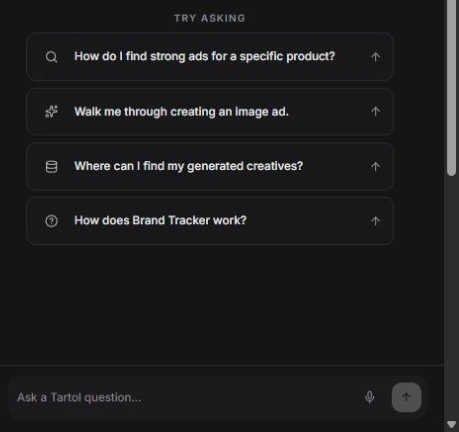 Describe the problem
 - 2
Search the guide
Use the Knowledge Base search for the feature name or visible message.
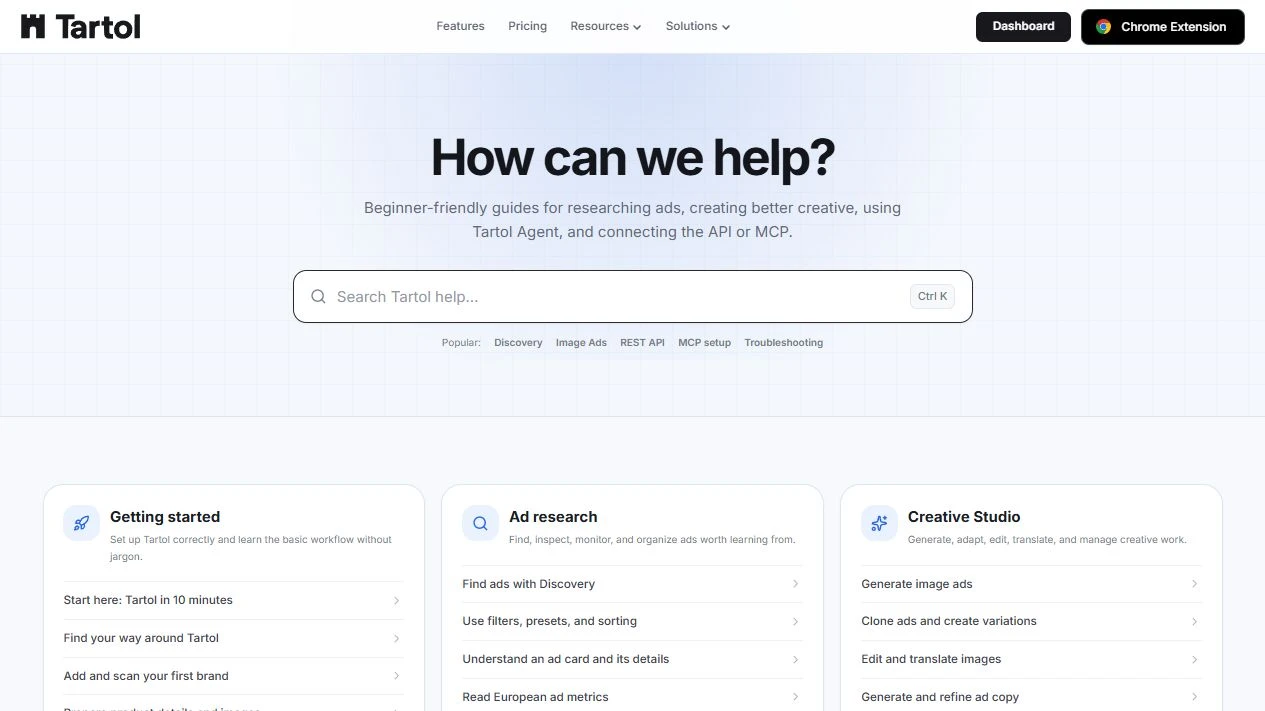 Search the message
 - 3
Contact Support if it repeats
Open Support when the same reproducible issue remains after the safe checks.
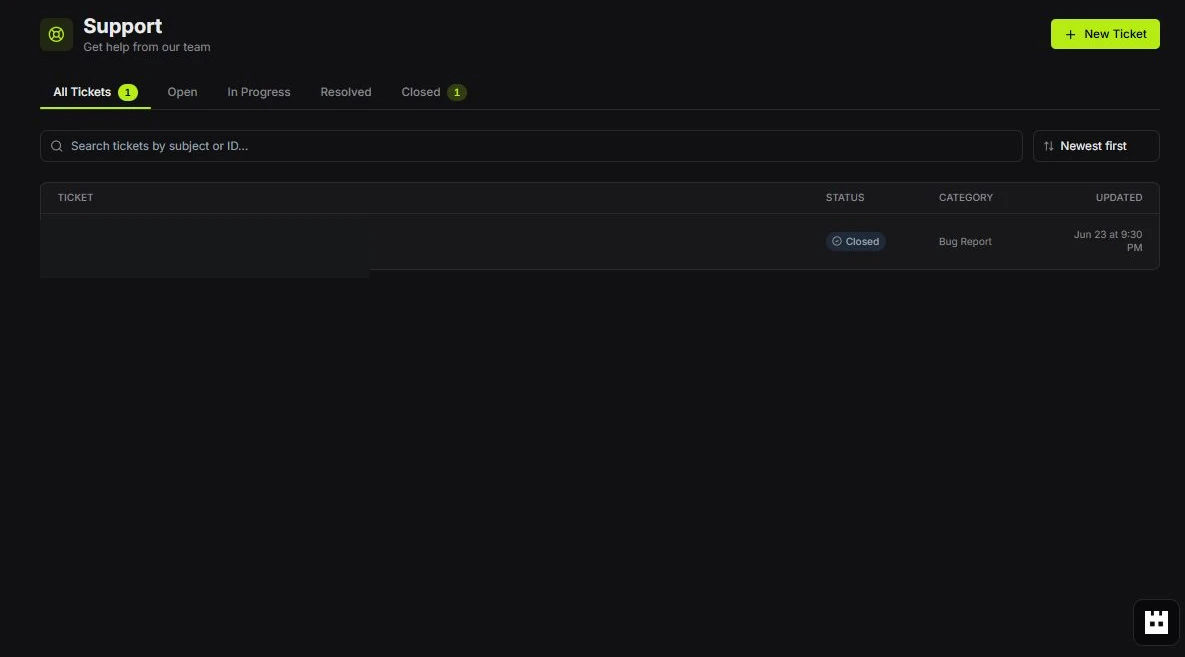 New Ticket
Red labels show the exact control to use.
Detailed referenceOpen this for definitions, limits, examples, and troubleshooting.
When a required provider is unavailable
A partial Brand Tracker daily run remains in history after recovery. Its operator warning clears only when every incomplete page has a fully collected and reconciled production scan, including successful reconciliation of its original saved scan after the failure. A queued retry, partial snapshot, unrelated older scan, or completed scan in staging does not count as recovery. Newer unfinished work keeps the warning open. Scheduler freshness and paused-queue checks remain active. This internal monitoring evidence is not a public REST or MCP action; Tartol Agent explains the status without changing it.
Several operator checks can describe the same provider outage. Tartol keeps their failed status visible and combines confirmed credit-depletion alerts with dependent key-pool and waiting-job alerts. The external monitor keeps the platform marked degraded but avoids a duplicate reminder only after notification delivery is confirmed; it remains a fallback if delivery fails or stops. Restoring provider credit availability is still required to finish dependent work.
A queued brand scan can be waiting for available collection capacity. A healthy saved collection run is different from an abandoned on-demand request. Copy generation can include longer research stages; recovery checks the normal execution window and scheduled retry time before waking the original job. Saved copy results and provider checkpoints are retained, and unfinished paid work is not counted as a completed copy. Customer copy saves the paid draft before validating it so recovery can reuse that saved response. Contact Support with the existing job ID instead of submitting it again.
Tartol can archive long Meta ad videos up to 2 GiB through its streaming media service. Transcripts and analysis start after the original video has been saved, so a media import failure can leave those later steps pending. Recovery continues the existing import and saved processing steps; do not create another copy of the ad. Landing-page access denials stay waiting for a delayed retry, and a security-check page is never treated as valid product evidence.
Ad-processing provider waits are tracked separately from worker stalls. A scheduled retry receives the normal 15-minute dispatch grace after it becomes due. A prolonged provider wait stays one operator incident while the original job retries; dispatching another attempt does not count as recovery or trigger another alert. The normal six-hour reminder remains until the job reaches a terminal outcome. These operational alerts are internal-only; public REST and MCP clients continue to follow the original job, and Tartol Agent explains its waiting status.
A landing-page job includes saved screenshots and later AI content and product checks. An AI request error can leave the workflow unfinished after both screenshots were captured. Request validation errors are distinct from exhausted credits: adding funds does not repair an invalid request. Captured page text keeps complete Unicode characters when shortened for AI, and rejected comparisons never count as proof that a page is unchanged. Recovery reuses the original capture and completed AI checkpoints. Follow the existing job rather than importing another copy. The daily collection completion window remains configurable; ready media, transcription, and analysis queues target a 120-minute budget per stage, with older ready jobs increasing urgency. This scheduling target uses existing regional resource budgets and a shared database budget that holds daily enrichment to a few slots while collected pages are still being published, preserves user priority and provider limits, and is not a completion guarantee during an outage or capacity shortage. A low enrichment percentage can mean queued work rather than failed ads; inspect the pending, failed, and never-started counts. Global queue diagnostics and recovery controls remain internal-only: public REST and MCP expose workspace-scoped results, and Tartol Agent provides guidance without infrastructure actions.
Brand website scans retain their original homepage, completed in-house site maps and pages, and completed AI responses across provider retries. An AI interruption does not retrieve the same successful site map again. Fresh page evidence is reused within the same workspace and environment, and retries retain the original operation and its saved results. Repeated provider outages back off progressively, up to one hour; an unconfirmed paid AI response or expired seven-day checkpoint requires operator review. Brand website scans collect at most two subpages at once within the shared collector limit. Brief waits for collector capacity resume after at least one minute, or a longer scheduled delay, without inheriting or increasing the provider-outage backoff. Scheduled provider waits are not worker stalls. Operator monitoring flags a provider retry more than 15 minutes overdue, a missing retry time after 30 minutes, or a running scan without progress for 30 minutes; deleted and completed scans are excluded. These cross-workspace alert controls remain internal-only, while public REST and MCP clients keep following the same brand scan. Starting an explicit new scan after the previous one ends creates fresh work. Follow the existing scan or contact Support rather than creating another brand.
In the shared-data local worker stack, Brands scans use the local ad processor for page collection. If the source-watching scanner restarts during an initial scan, its loopback retry can reclaim the same scan generation and reuse confirmed provider checkpoints. A collector-capacity wait keeps that original scan pending until its retry time. Do not add the brand again to work around the wait. This local recovery adds no separate public REST or MCP action.
Large Brand Tracker scans can remain active beyond 90 minutes. Recent durable collection progress distinguishes an active scan from a stalled worker, and queued scans can wait while the shared collector is making progress. Ordinary internal warnings get a six-minute delivery window before external fallback paging; critical failures retain their normal threshold. The external monitor tracks each incident separately and confirms recovery with two healthy probes. It keeps unresolved failures visible even when another notifier has already delivered the alert.
Landing-page previews include visible content inside open web components, including their offer text, links, images, and prices. Hidden template text does not count as readable page evidence. An unreadable page or broken main image remains unfinished and retries after a delay; it is never published as a successful blank capture.
Completed ad landing-page captures and AI steps are saved for the original job, so retrying an interrupted classification does not scrape the page again. Ad captures use the in-house collector and do not depend on Firecrawl credits. Completed Firecrawl captures from before the replacement remain historical evidence; expired legacy recovery data or an unconfirmed paid AI request requires operator review. Firecrawl keys and credit settings are retired. Website product detection and product-codec research keep the original credit reservation and completed provider steps during temporary waits. Browser retries and API/MCP clients retain the original request and Idempotency-Key; an ambiguous paid response needs review before another paid call. Temporary recovery evidence expires after seven days, when unresolved reservations become eligible for refund. In Super Admin > System > Landing Pages, Activity > Page retrieval shows text, screenshot, and site-discovery operations, their wait reasons, capture times, reuse, and bandwidth. All modes share the current capture limit and proxy pool, including the two sessions reserved for Brand Tracker. A waiting operation is eligible for retry at the displayed time; completion still depends on its original workflow retry and source availability. Provider accounts, receipts, and recovery controls remain internal-only. Public REST and MCP clients keep following the original job, and Tartol Agent explains the wait without recommending duplicate submissions.
Firecrawl is retired from all live page retrieval, including screenshots, brand scans, site discovery, product detection, and product/audience research. Its old key records do not need reactivation or additional credits. Super Admin provider health excludes retired providers even when loading a cached snapshot; an old Firecrawl No working keys warning is not evidence that a capture still needs Firecrawl. Refresh the dashboard, and contact Support if it persists. Health checks for providers that are still in use remain active.
Provider billing, rate limits, outages, and incomplete provider responses leave dependent work unfinished. Background jobs keep the same job ID, saved inputs, completed outputs, and original credit reservation while waiting, then retry with backoff. The generation status reads Waiting for provider during this pause. Do not start duplicate scans or generations. A depleted provider account is different from your Tartol credit balance.
Interactive AI requests keep their inputs and retry while the page remains open. REST and MCP clients should preserve the exact request and Idempotency-Key and honor Retry-After when they receive PROVIDER_WAITING. A queued job continues independently of the page. Invalid input, content refusals, cancellation, and expired temporary uploads are explicit outcomes, never fabricated success.
A missing or provisional promoted product stays hidden until verification succeeds. A blank price means no verified price is available. If waiting continues, contact Support with the job or ad ID. Provider configuration and billing recovery are internal administration tasks and are not exposed as public API, MCP, or Tartol Agent actions.
Try these safe checks first
- 1Read the messageA permission, plan, credit, or processing message often tells you the actual cause.
- 2Confirm the workspaceMany “missing” records are in another workspace.
- 3Retry onceUse the provided Retry action or reload the page once.
- 4Reduce the requestClear narrow filters, shorten a search, or make one edit at a time.
- 5Check background statusDo not duplicate a scan or generation that is still processing.
Common symptoms
| Symptom | First response |
|---|---|
| Signed-in page keeps loading | Tartol retries temporary account-service failures for up to one minute and preserves a recent display-only session snapshot so the app shell can reopen without signing you out. If “Tartol is still reconnecting” appears, your session has not been cleared; use Try again. |
| Live updates stop in an older tab | Save any unfinished edits, then reload the affected Tartol tab, including tabs in other browser profiles. A tab left open across an update can keep running older code. Current tabs renew their live-update session before expiry; temporary renewal failures retain a still-valid connection and retry without starting another scan or generation. |
| No Discovery ads | Clear presets and narrow filters, then use All time. Discovery keeps transient service retries inside the loading state and allows up to one minute before reporting a true timeout. |
| Brand insights do not load | Insights retry transient service failures while the ad library remains available. A timeout is shown only after the one-minute loading budget; use Retry if the service remains unavailable. |
| Filter options unavailable | Retry the option list; keep the current filter selection. |
| Product preview missing | Review the product scan and replace weak name/images. |
| Image or video fails to load | Reload once, then open details or the source link to isolate the failure. |
| Carousel video does not play | Open the ad details again. Tartol prefers its durable archived carousel video over expiring provider playback links in Discovery, Brand Tracker, Saved Ads, and shared ad details. |
| Generation stays processing | Wait and check Creative History before starting another job. |
| Feature is locked | Check the active workspace plan, trial state, role, and credits. |
When to contact support
Contact support if the same reproducible problem continues after the safe checks. Include the page, time, workspace, steps, expected result, actual message, and a screenshot with secrets hidden.