Search or browse all guides
Quick visual guide
Use the EU view, then inspect the metric group inside Details.
- 1
Filter to EU ads
In Discovery, open Filters and select EU only to start from ads with European transparency data.
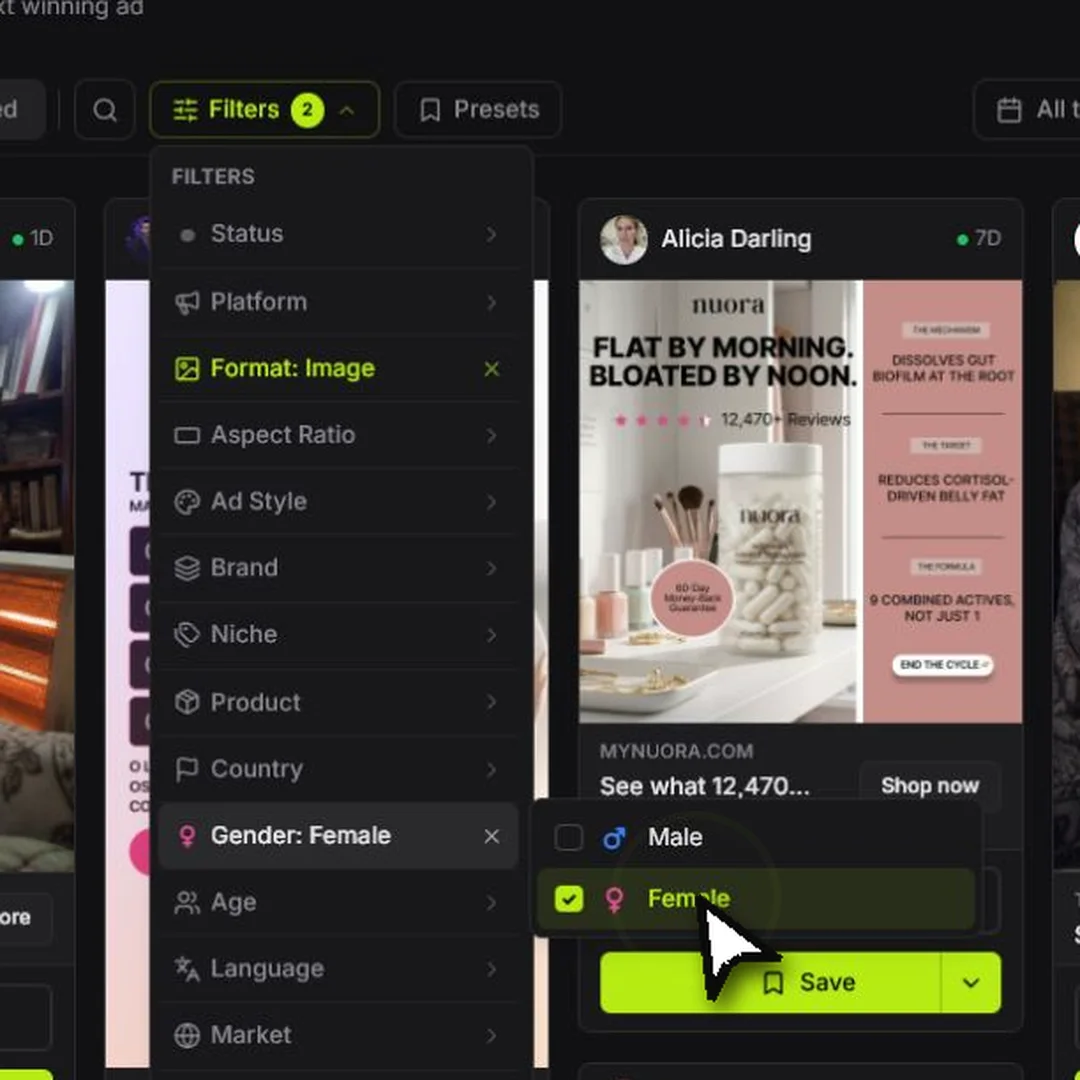 Choose a filter
 - 2
Open the ad
Select See Details on the ad whose metrics you want to read.
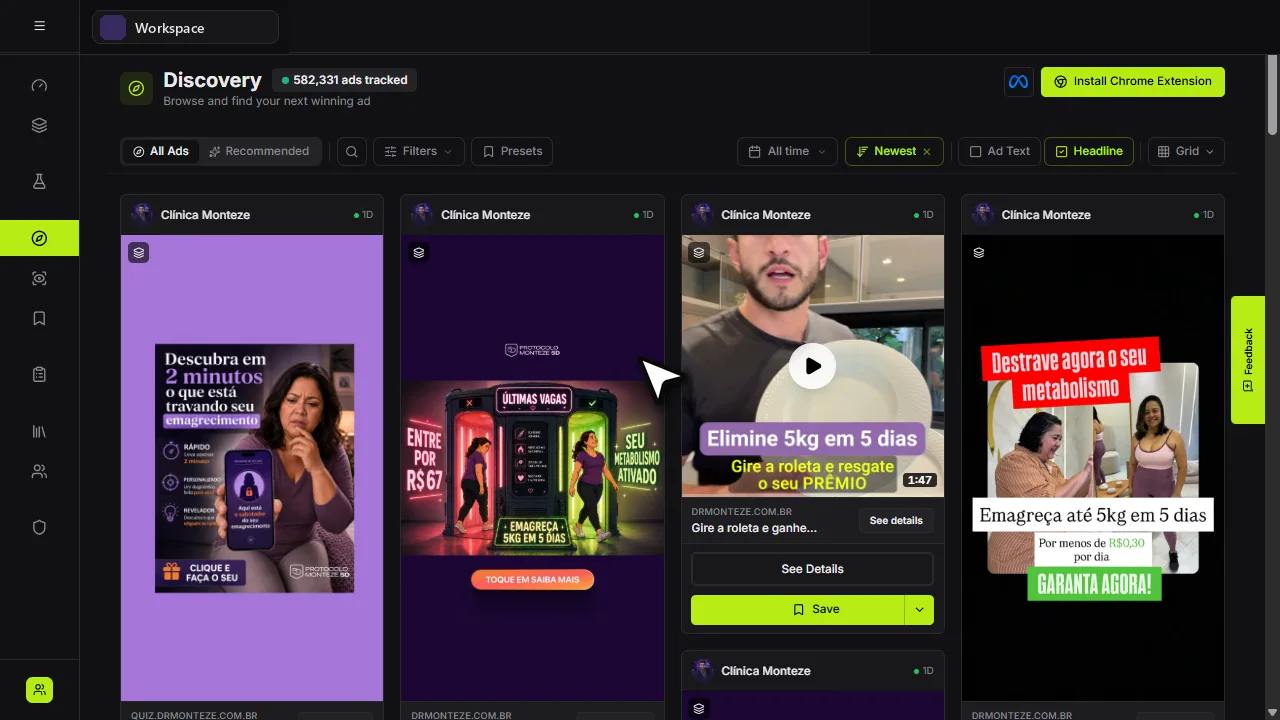 See Details
 - 3
Read the full group
Use the Details panel for the available reach, spend, date, and targeting context.
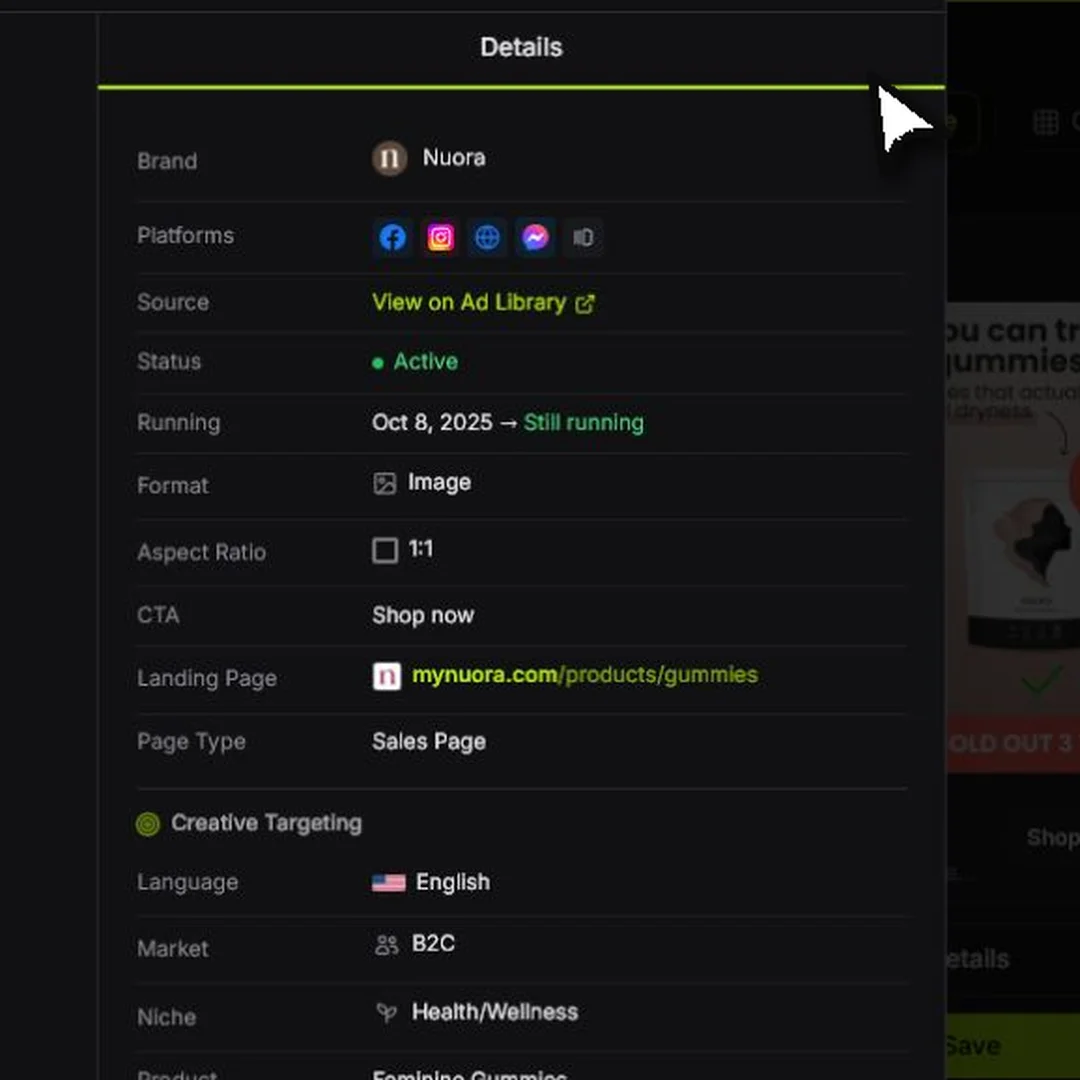 Metric details
Red labels show the exact control to use.
Detailed referenceOpen this for definitions, limits, examples, and troubleshooting.
What the metrics mean
Tartol shows this group only when Meta supplies confirmed EU-transparency evidence. A generic low-impression label such as <100 is not EU evidence by itself and is never converted into an EU label or modeled EU spend.
| Metric | Meaning |
|---|---|
| EU | The ad has European transparency information. |
| Eye | Reported reach or impressions when the source makes it available. |
| Dollar | Reported spend shown in US dollars for consistent comparison. |
Why some values are round or have a plus sign
Transparency sources often publish ranges rather than exact totals. Tartol must display the available bound honestly—for example, 800+—instead of manufacturing a precise number. A competitor may show an estimate or midpoint that looks more exact but is not necessarily more accurate.
Why spend can appear without reach
The source can return spend while omitting a usable reach/impressions value. Tartol shows each metric independently in the Details sidebar, so a missing reach value does not mean the spend value is broken.
See the full metric group
Open a confirmed EU ad's details sidebar to find European ad metrics. Reach and spend are shown there with full labels and explanations rather than compressed card badges. Non-EU ads omit this section. Countries is a separate provider-reported market row and is not replaced by Meta's granular delivery breakdown. It prefers explicit targeting and otherwise uses Meta's combined target/reach market signal. It stays compact by showing up to three flag-only icons; hover or focus a flag for its full country name.