Free AI ad generator
Get 6 free ads for your store
Paste your store URL. Tartol scans your brand and products, then generates 6 image ads with post text, built from proven ad layouts.
- Post text included
- 5-minute setup
How it works
From store URL to 6 ads
Setup takes a few minutes, and you choose the product before anything is generated.
Step 1
Paste your store URL
Use the public URL of the store or landing page you want to advertise.
Step 2
Tartol scans your store
It imports your brand, products, images and prices. You pick the product the ads are for.
Step 3
Create your account
Your account keeps your brand, products and ads together. Generation starts as soon as you sign up.
Step 4
Get 6 ads with post text
The ads finish in the background and appear in your Dashboard setup guide and in Creative Studio.
Examples
Built from proven ad layouts
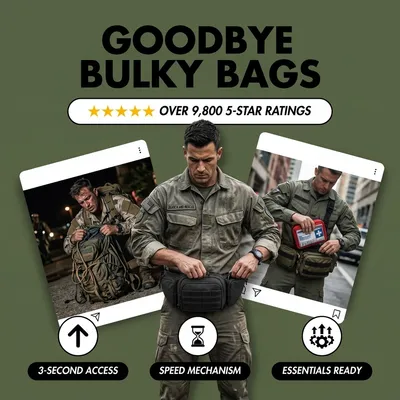
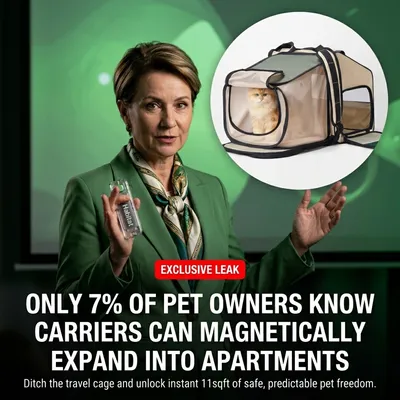
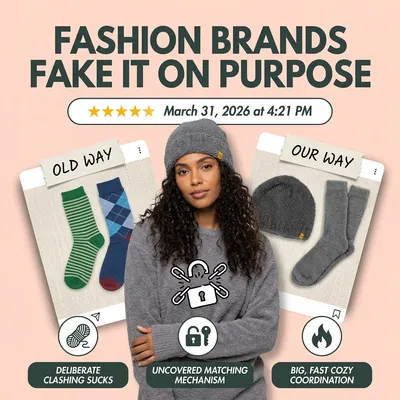
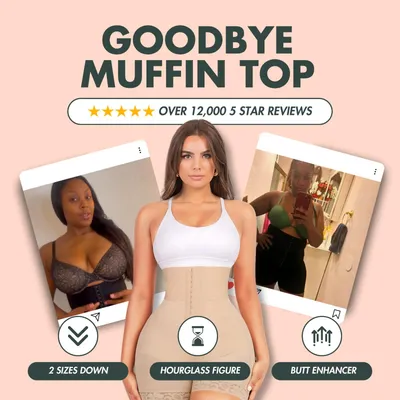
Tartol starts from the layouts of real ads and rebuilds them around your product, images and brand. Each row shows one reference ad turned into ads for three demo products.
Reference ad
Tartol ads in that layout
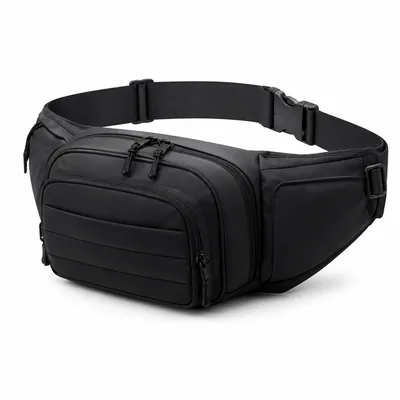 SAR bag
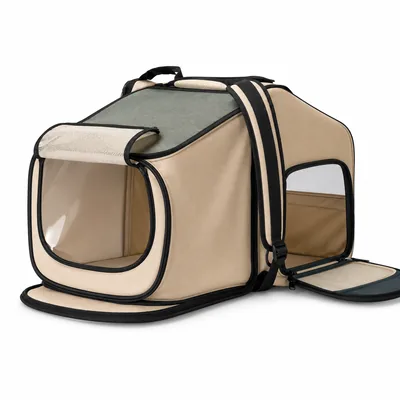 Cat carrier
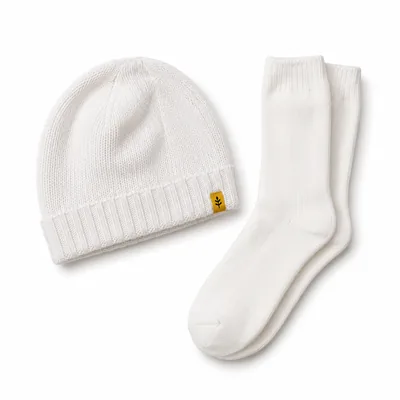 Beanie set
Reference ad

Tartol ads in that layout
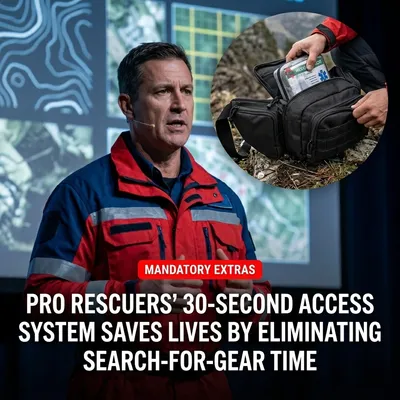 SAR bagCat carrier
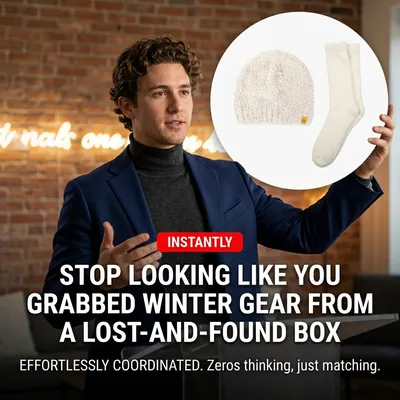 Beanie set
Your free ads use layouts Tartol picks for your product. With a plan, you can also clone an image ad you find in Discovery. How cloning works
Free vs. a plan
What's free, and what a plan adds
Start with the free ads. When you want more, the 7-day free trial unlocks credits and the rest of Tartol.
Free
6 ads for your store
One batch for a new account. No credits used.
- 6 AI image ads for one product from your store
- Post text for every ad, ready to copy
- Your brand, products and images imported from your store URL
- Download the images or open them in Creative Studio
With a plan
The full Tartol workspace
Plans from $81/mo billed yearly. Creator is $97/mo billed monthly.
- Monthly credits: 750 on Creator, 2,500 on Pro, 5,000 on Agency
- More image ads, Ad Variations and Clone Image Ads in Creative Studio
- Discovery to research Meta ads from Facebook, Instagram and other Meta placements
- Brand Tracker to follow the new ads of brands you choose
- Saved Ads boards, plus saving from the Chrome extension
- Copywriter for ad copy, and new scripts from video ad transcripts
- Editor for chat-based image edits and translated ads
- Ads Manager to publish to Meta (limited preview)
- Tartol Agent and MCP on every plan, REST API on Pro and Agency
Frequently asked questions
What the free AI ad generator makes, what it needs from you, and what comes after.
Is the AI ad generator really free?
Do I need to sign up?
What do I need to start?
How are the ads made?
Where do I find my ads?
Can I use these ads on Facebook and Instagram?
What happens after my free ads?
Ready for your 6 free ads?
Paste your store URL at the top of this page. Want to see the whole workflow first? The getting-started guide covers research, cloning and launching.