Search or browse all guides
Quick visual guide
Use the sidebar for product areas and the Knowledge Base search for help.
- 1
Choose an area
The left sidebar takes you to Research, Creative Studio, Help, and the other product areas.
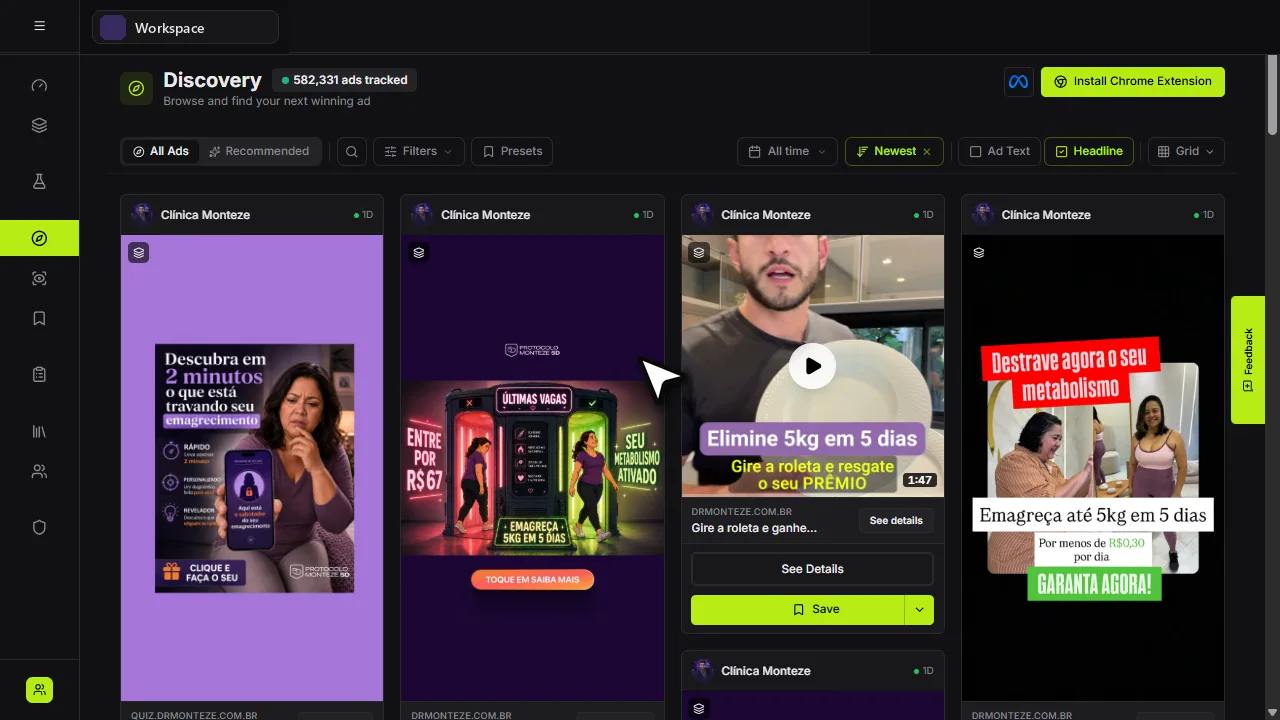 Main navigation
 - 2
Search for help
On /docs, type the task in normal words, such as “create image ad” or “invite teammate.”
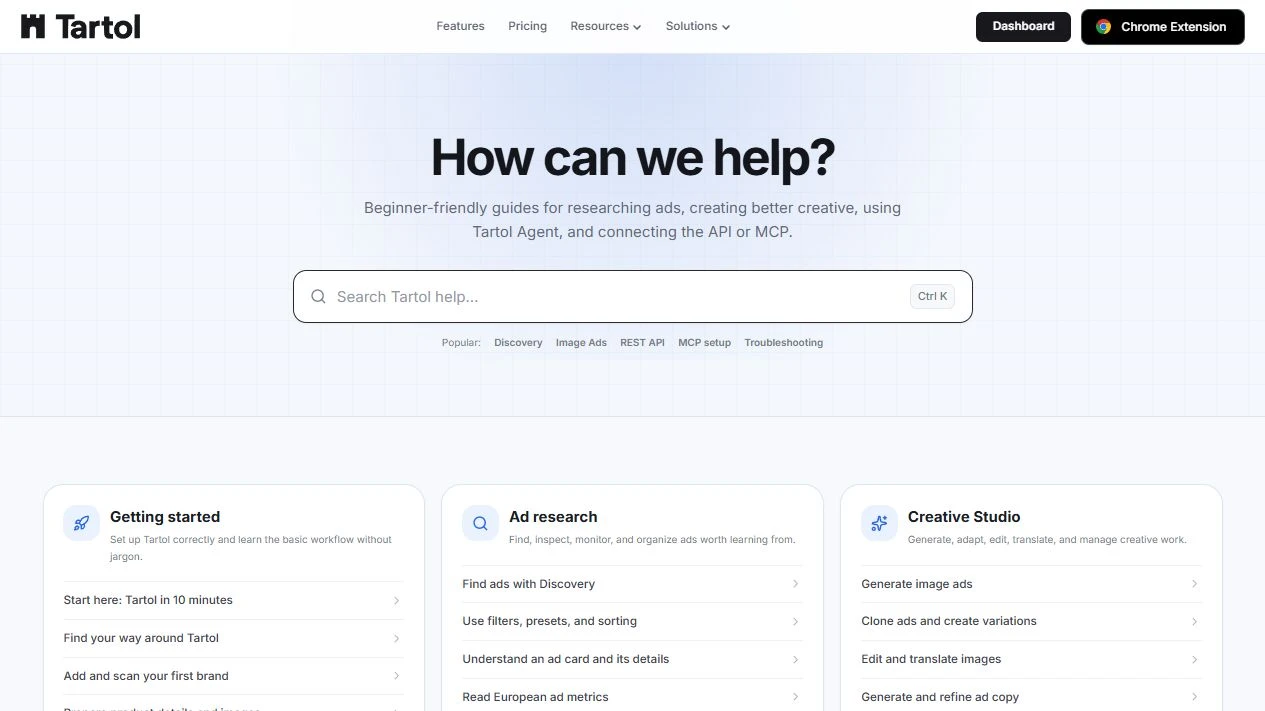 Search any task
Red labels show the exact control to use.
Detailed referenceOpen this for definitions, limits, examples, and troubleshooting.
The main areas
Selected cards, rows, filters, and sidebar items use a subtle neutral highlight with a grey border or indicator. Discovery uses a background highlight for the selected All Ads or Product Match tab, without an underline. Other active tabs keep the primary highlight: lime in dark mode and blue in light mode. Checked controls use neutral marks. The appearance adapts to light and dark themes; keyboard focus on buttons, links and other controls still has a separate neutral outline, while text fields show focus with their cursor and no outline. Lime in dark mode remains the primary action and brand color, so a selection does not look like a Generate, Save, or purchase button. Selection behavior, saved preferences, permissions, and public REST/MCP contracts are unchanged.
- Dashboard shows workspace activity, plan information, credits, and shortcuts. Its summary cards are ordered Ads Tracked, Ads Generated, and Ads Launched. Ads Launched counts every ad created in the selected dates across the connected Meta ad accounts (everything Ads Manager lists, plus ads published through Tartol) and links to Ads Manager. Ads Generated includes completed image creatives and all saved Copywriter outputs: ad text, emails, landing-page copy, and video scripts. Copy outputs count in the selected date range and comparison trend, scoped to the current workspace. The public Dashboard API, MCP dashboard overview, and Tartol Agent use the same totals. Longest streak, with a small orange flame icon, sits at the bottom left of the Activity Heatmap, on the same row as the Less–More legend. The year label and navigation arrows appear only when the workspace spans more than one calendar year, from its creation year through the current year. Longest streak is the highest number of consecutive calendar days with any activity in the selected heatmap year and Workspace or Individual view. Multiple events on one day count once, an empty day breaks the streak, and future dates are excluded. A streak crossing New Year is counted separately within each displayed year. The public GET /api/v1/dashboard endpoint and MCP dashboard_overview include longestStreak with days and year for the current workspace and current year.
- Brands is the source of truth for the products and offers you advertise.
- Creative Studio contains every generation, editing, copy, and creative-history workflow.
- Ads Manager monitors Meta performance, manages campaigns, builds new Paused Sales or Traffic structures, and publishes Tartol or Media Library assets. It is currently a super-admin-only production preview and is hidden from other accounts.
- Discovery is the searchable ad library; Brand Tracker monitors brands over time.
- Saved Ads stores research in folders and boards; Ads Manager opens your central reusable launch assets in the Media Library modal.
- Help opens Tartol Agent for guided assistance and opens the Knowledge Base in a new browser tab for step-by-step documentation.
- Settings contains profile, notifications, security, API keys, MCP connections, and account controls.
On smaller screens
Use the menu button to open the sidebar. Selecting a destination closes it automatically. Some dense research views work best in Grid or List mode rather than trying to fit every detail on one card.
When you are unsure where to go
Open Tartol Agent and ask how a Tartol workflow works, or search this Knowledge Base using normal words such as “save an ad,” “invite teammate,” or “create API key.”