Search or browse all guides
Quick visual guide
Scopes permit access. Live role checks and approval still decide whether an action runs.
- 1
Review scopes
Approve only the read, write, and generate access the client needs.
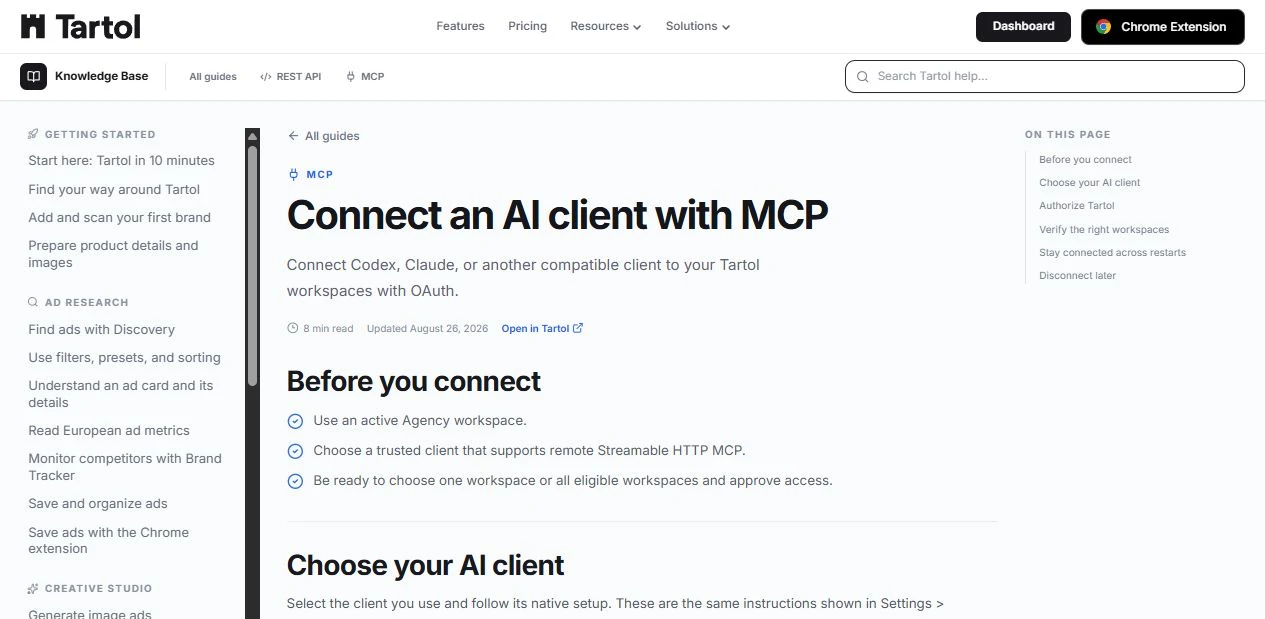 Review scopes
 - 2
Prepare the action
Use the documented prepare flow so the client can show the exact effect and credit cost.
Action contract - 3
Approve once
Execute only the prepared action the user reviewed. Tartol rechecks access at execution time.
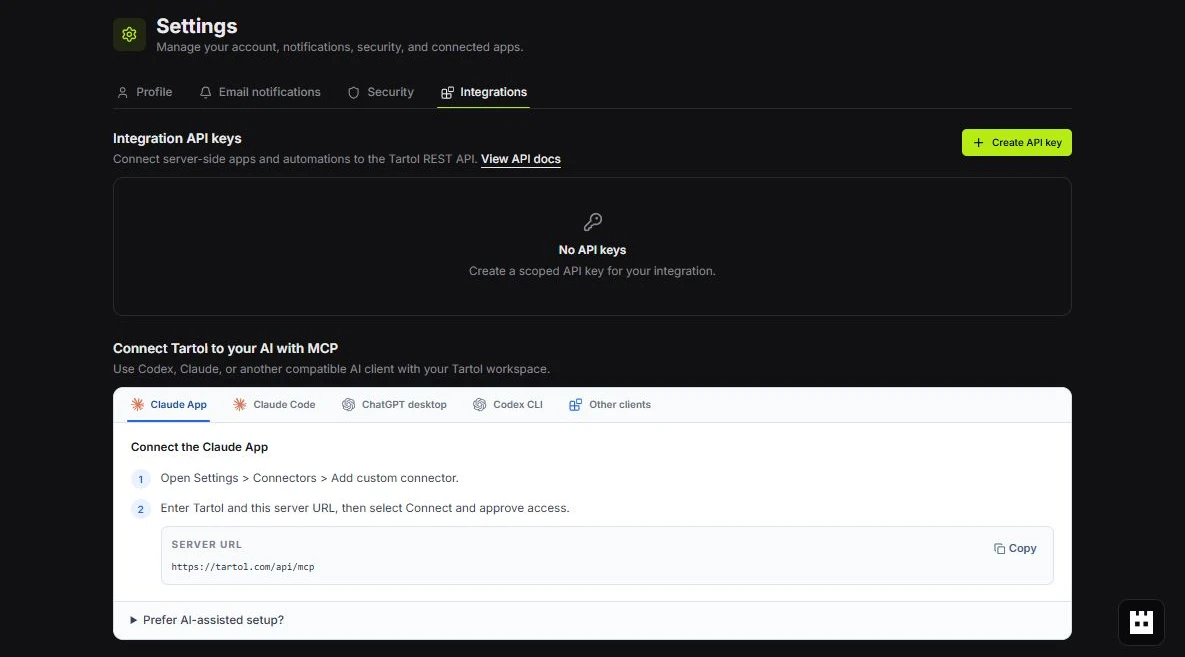 Connected client
Red labels show the exact control to use.
Detailed referenceOpen this for definitions, limits, examples, and troubleshooting.
Credit-spending action contract
describe_action and list_capabilities report approval_required for each action. Only actions that deduct workspace credits use this contract.
- 1DescribeCall describe_action and follow its exact arguments schema.
- 2Quote earlyIf the requested count and options determine a downstream cost before a free prerequisite, show that exact cost and obtain approval before starting the prerequisite.
- 3PrepareCall prepare_action. Tartol validates the target and returns an exact human-readable summary.
- 4ShowDisplay that summary to the user without quietly rewriting or hiding important details.
- 5ApproveObtain independent explicit approval in the trusted client.
- 6ExecuteCall execute_prepared_action with the pending action ID and confirm=true.
Why clients must enforce approval
Tartol cannot observe a client’s conversation or button click. For credit-spending actions, the client is responsible for showing the exact summary and cost and only asserting confirmation after the user approves it. Connect only clients you trust to honor this contract. Non-credit actions use execute_action and remain subject to live scope, role, ownership, and feature checks.
Execution is revalidated
- Prepared actions expire after 15 minutes and are one-time use.
- The live permission and target state are checked again at execution.
- A changed target or no-longer-valid action requires a new preparation and approval.
- Generation still checks credits and feature eligibility at execution time.