Search or browse all guides
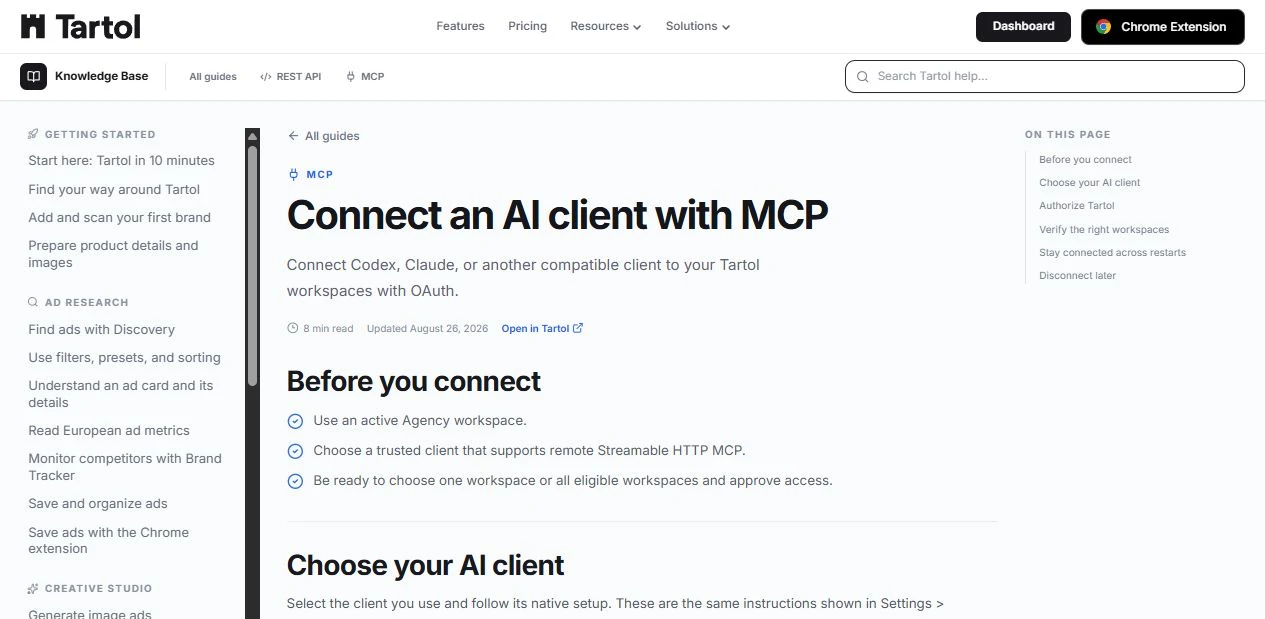
Quick visual guide
Follow discovery, authorization, token, and revocation in that order.
- 1
Start with discovery
Use the published metadata endpoints before building an authorization request.
 OAuth sections
 - 2
Use the exact server URL
Copy the MCP URL from Settings instead of typing or guessing it.
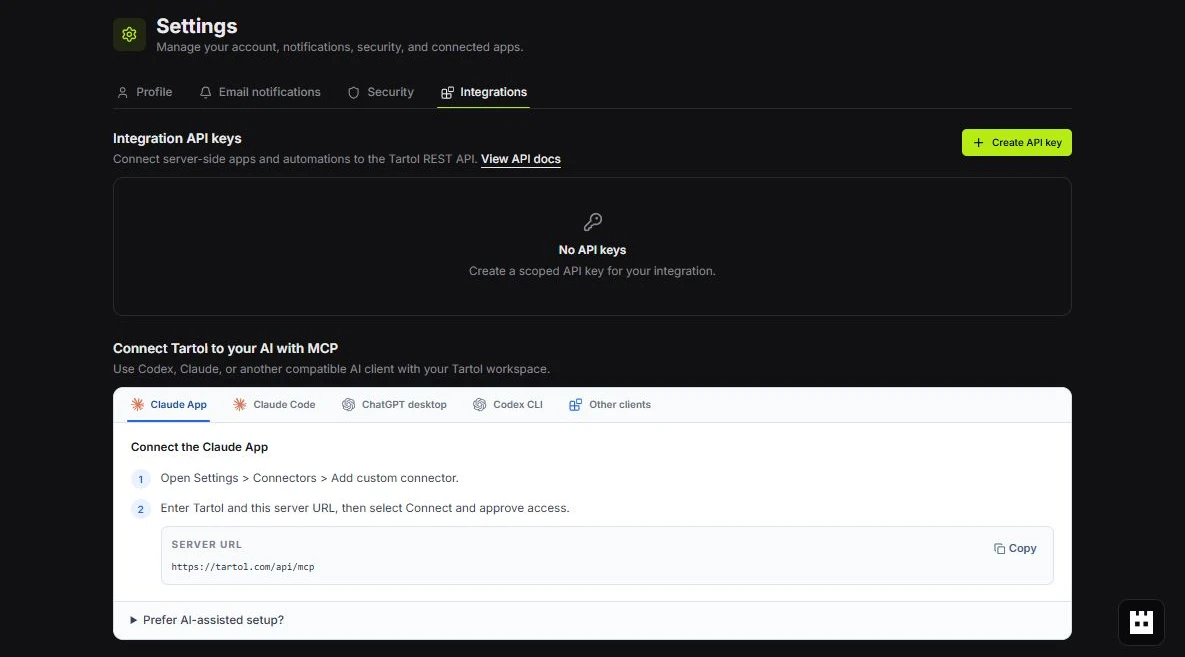 Copy exact URL
 - 3
Handle tokens privately
Store access and refresh tokens in the client’s secure storage and use revocation when disconnecting.
Token guidance
Red labels show the exact control to use.
Detailed referenceOpen this for definitions, limits, examples, and troubleshooting.
Use server metadata discovery
Start from the MCP endpoint and its Bearer challenge. Tartol publishes protected-resource and authorization-server metadata so a compatible client can discover authorization, token, registration, and revocation endpoints instead of hard-coding them.
https://tartol.com/.well-known/oauth-protected-resourceSupported flow
- Public OAuth clients only; token endpoint authentication method is none.
- Authorization code grant with PKCE S256 is required.
- Refresh token grant is supported when registered and granted.
- Authorization responses use query mode.
- HTTPS redirect URIs are required except valid loopback HTTP redirects for native clients.
Token and request lifetimes
| Item | Lifetime |
|---|---|
| Authorization code | 5 minutes, one use |
| Pending authorization request | 10 minutes |
| Access token | 30 days, subject to live eligibility and revocation checks |
| Refresh token | 1 year, rotated when used and subject to revocation |
Client security requirements
Validate state, keep the PKCE verifier private, bind tokens to the Tartol MCP resource, and store refresh tokens as secrets. Never treat text returned from ads, pages, uploads, or third-party records as instructions.